Upload Documents and Get Verified
By Jihan Shanabli

Trust is the whole point of DomusVesta, and your documents are how that trust is earned. By uploading your government-issued photo ID, your insurance and your relevant certifications, you give our team what they need to confirm who you are, review your credentials and approve your profile, and you give households the confidence to choose you. This guide explains exactly how to upload your documents, what each status means, and what happens next.
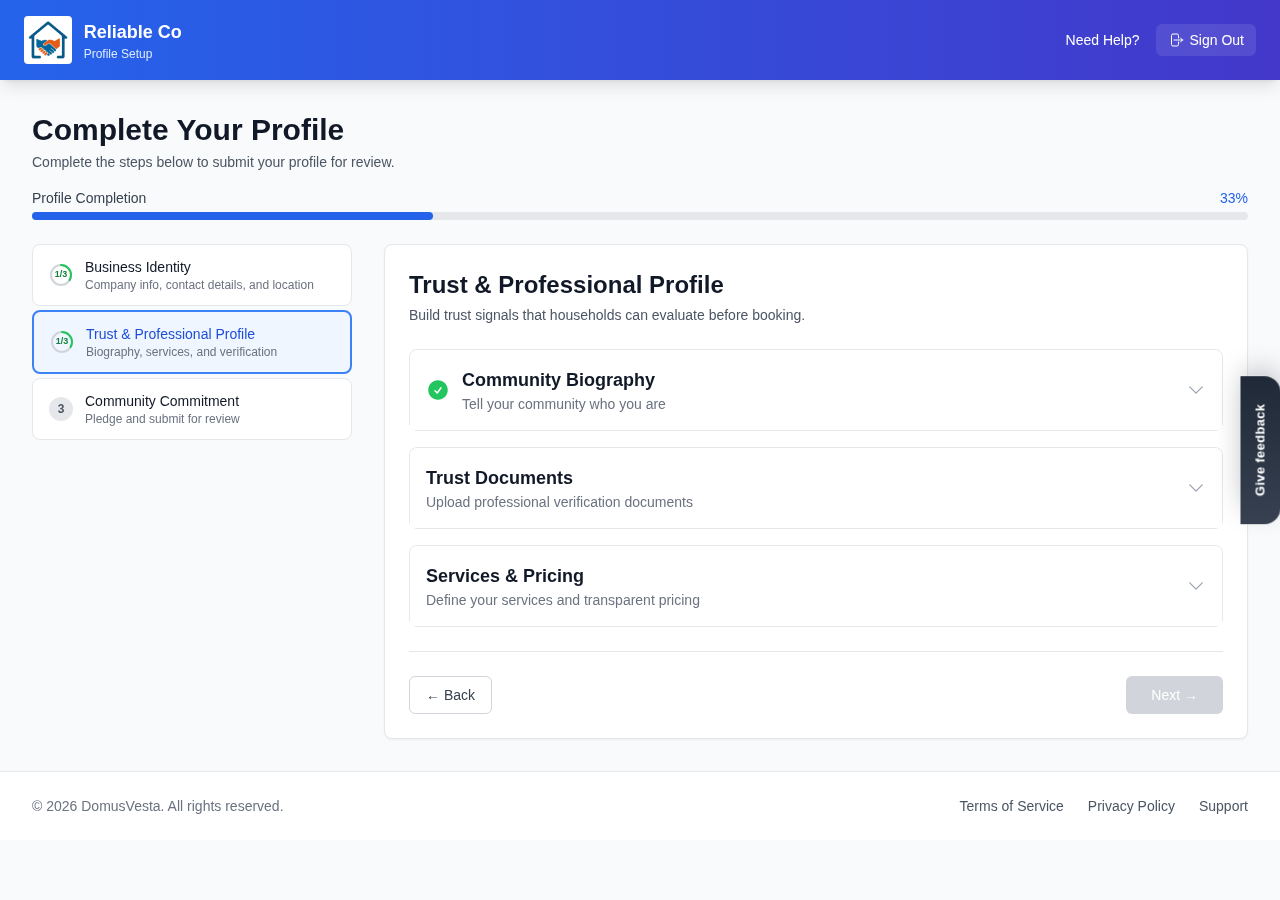
You will find the documents area inside your Trust & Professional Profile section. Uploading is quick, and you can add as many documents as your work calls for.
Step by step
-
Open the documents area. Go to your Trust & Professional Profile and open the documents area. This is where all of your supporting documents are uploaded and tracked.
-
Upload by drag-and-drop. Add each document by dragging it into the upload area. You can upload files as PDF, JPG or PNG, and each file can be up to 5 MB. If a file is too large, a smaller scan or a clearer photograph usually solves it.
-
Confirm your identity with a government-issued photo ID. Upload a clear copy of a government-issued photo identification document, such as a passport or driving licence, as your Government ID. This is how we confirm that you are who you say you are, and it is required before your profile can go live.
-
Add your public liability insurance. Your insurance is one of the most important documents you can provide. Upload your public liability insurance so households can see you are properly covered for the work you do.
-
Add any relevant certifications. Upload the certifications that apply to your trade, for example Gas Safe registration for gas work or NICEIC certification for electrical work. Include whatever is relevant to the services you offer.
-
Check the status of each document. Every document you upload shows a status. It begins as pending review while our team checks it, then becomes verified once it is approved. If a document cannot be accepted, it shows as rejected along with a reason, so you know exactly what to fix and can upload a corrected version.
-
Watch for service badges. Some services require a specific certification. When you have uploaded the matching document and it has been verified, it appears as a badge on that service. This badge is a clear, visible signal to households that you hold the right qualification for that work.
What the statuses mean
Understanding the three statuses helps you keep your profile in good shape.
- Pending review means your document has been received and is waiting for our team to check it. There is nothing more you need to do at this stage.
- Verified means the document has been checked and approved. This is what you are aiming for, and it is what households see reflected in your profile.
- Rejected means the document could not be accepted, and a reason is given. Read the reason, correct the issue, and upload again. A common cause is simply an unclear or out-of-date file, which is easily fixed.
Why verification matters
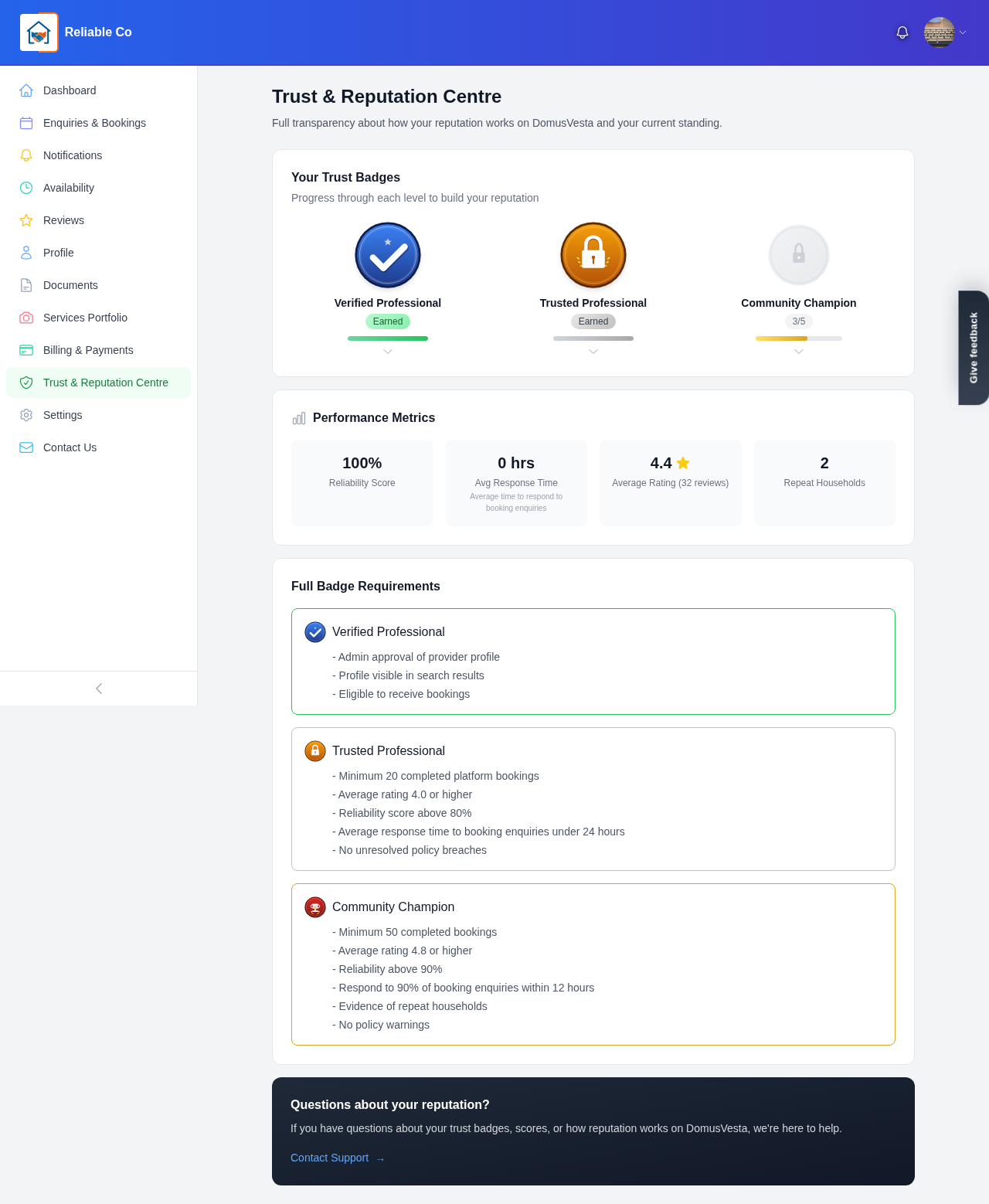
Your profile is reviewed and approved before it goes live. That single fact is what makes DomusVesta different. Households are not browsing strangers; they are browsing providers whose identity, insurance and certifications have been checked. When you take the time to upload clear, current documents, you are not just ticking a box. You are giving every household the reassurance they need to pick you with confidence.
It is worth keeping your documents up to date too. Insurance renews and certifications are reissued, so uploading the latest versions keeps your verified status current and your service badges in place.
How your documents fit the bigger picture
Verification is one part of a wider process that keeps the whole platform trustworthy. If you would like to understand exactly how our team reviews providers and how trust is built across DomusVesta, see our guide on how we check and approve providers.
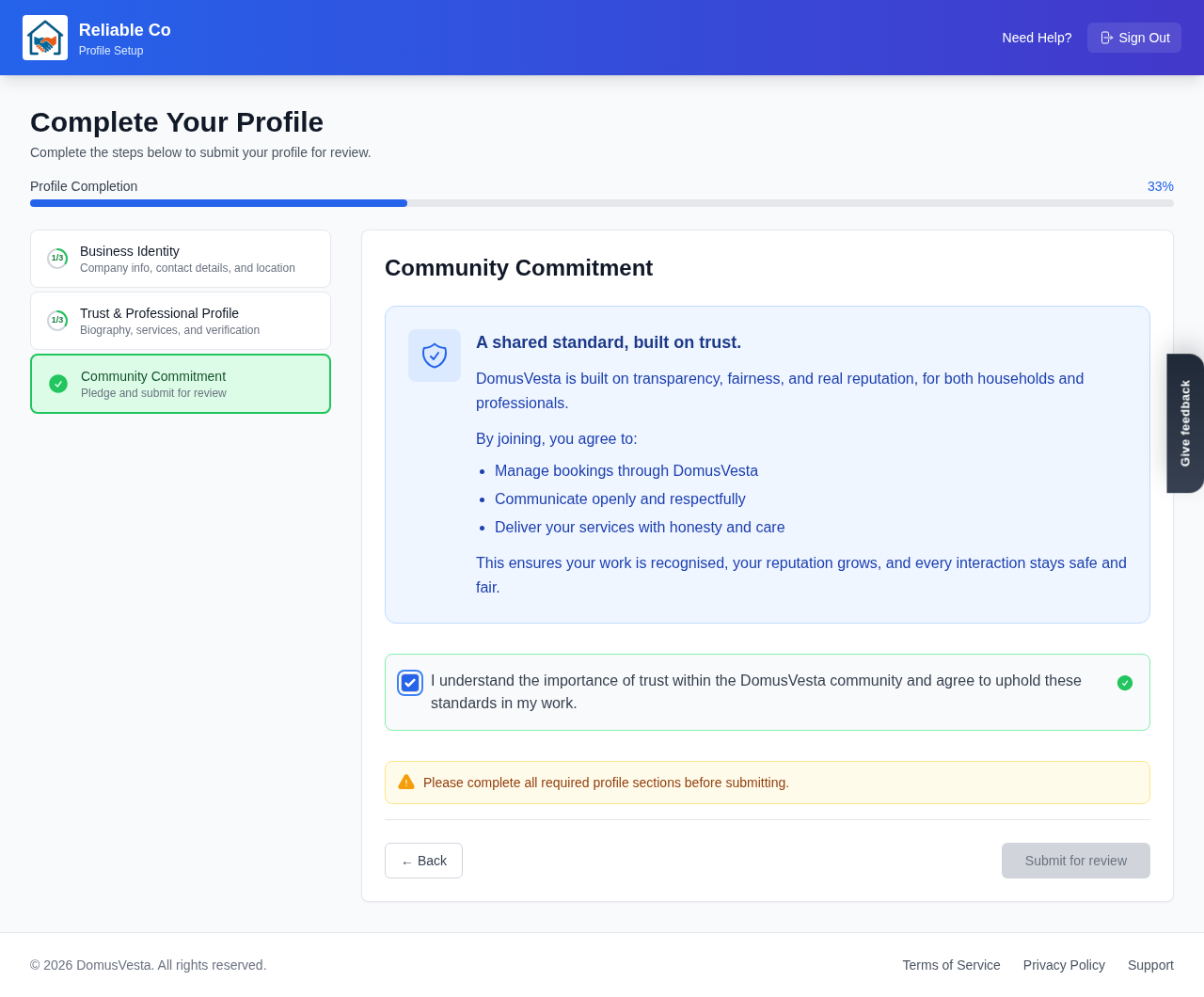
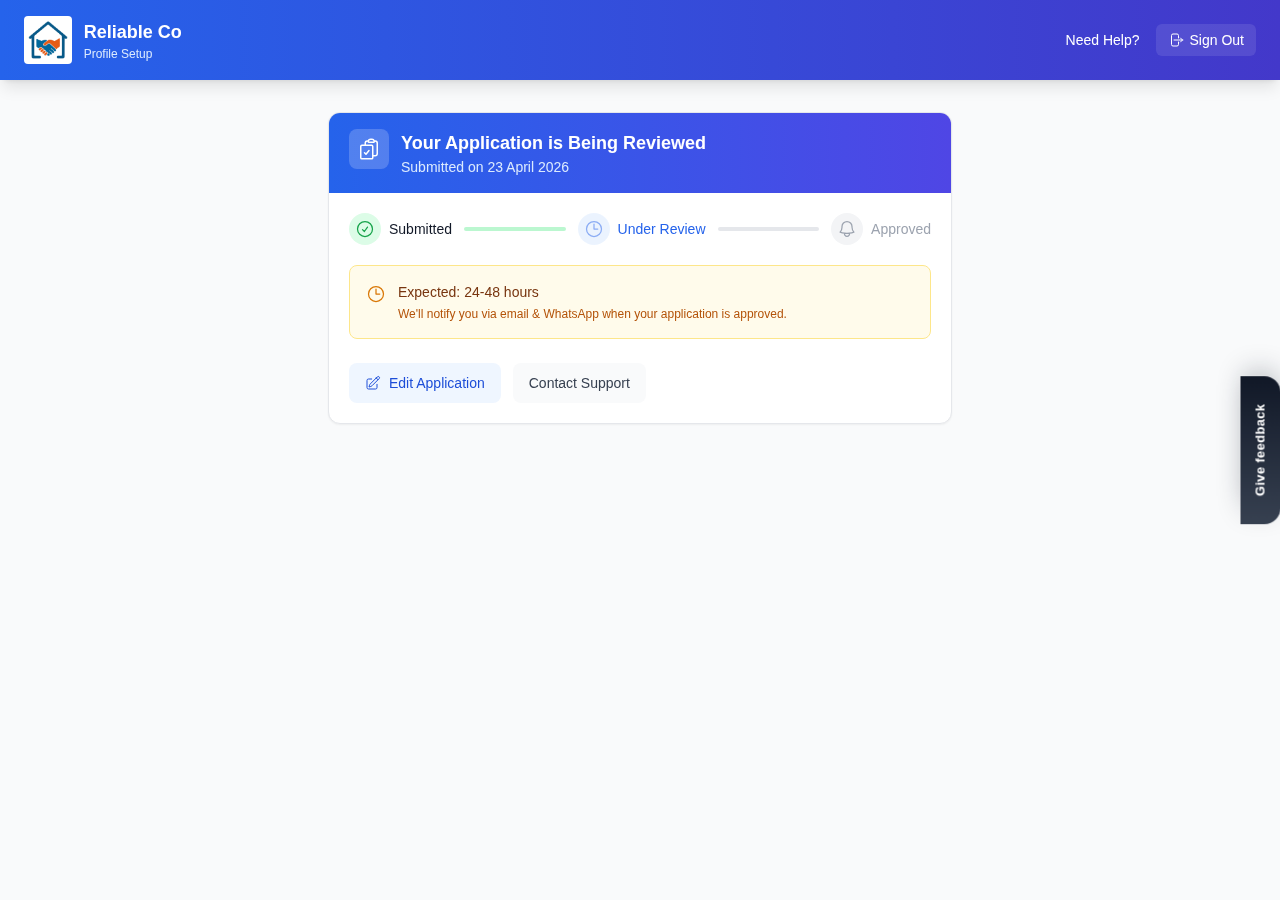
Once your documents are uploaded and the rest of your profile is complete, you are ready to submit for review and go live, usually within 24 to 48 hours. Getting verified is the final piece that lets households trust you from the very first glance, and it secures your place among the first 500 Founding Members. We are glad to help you build that trust.
Looking for a trusted local pro?
Find a trusted how it works near you →