

Requesting a Booking
By Wayne Scott

When you have found a provider who feels right for your job, the next step is to request a booking. This is how you make contact, share the details, and open a conversation. This guide walks you through the whole process, from sending your enquiry to managing the booking afterwards.
Step-by-step: sending your enquiry
- On the provider's profile, select Request Booking.
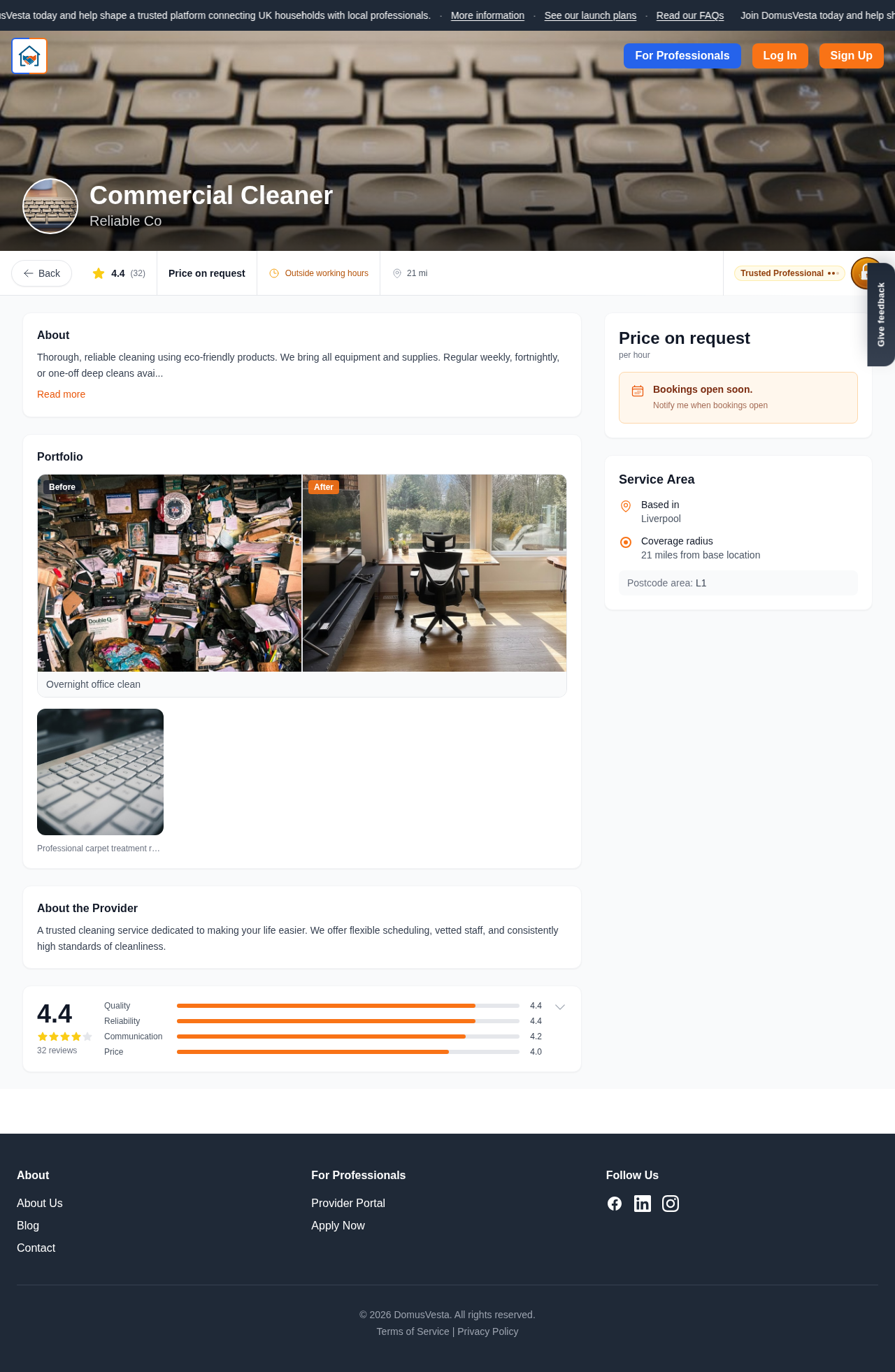
- Choose your Preferred date. This tells the provider roughly when you would like the work done.
- Use the Tell them about the job field to add notes. The more helpful detail you can give, such as what needs doing and any important context, the easier it is for the provider to understand your needs.
- When you are happy with the details, select Send Enquiry.
You will then see a confirmation screen titled Enquiry Sent!. This includes a booking reference, which is a handy way to keep track of your request, along with a What happens next summary so you know what to expect. It is a good idea to make a note of that reference, as it gives you a quick way to identify this particular job later on.
Messaging the provider
Here is something important to understand. On DomusVesta, you can only message a provider once you have requested a booking. There is no separate direct-message feature, and this is by design. It keeps every conversation tied to a real job, so nothing gets lost and both sides always have the full context.
Once your enquiry is sent, you can message the provider directly inside that booking. To find your conversations, go to Messages, or open your booking, where they appear under Your booking conversations. From there you can ask questions, share extra detail, and agree on the finer points of the work together. Because everything stays in one place, you can always look back over what was discussed, which is reassuring when you are arranging work around the home.
Managing your booking
Inside a booking you have everything you need to keep things moving. As your conversation develops, you can:
- Confirm a proposed time once you and the provider have agreed on it.
- Request Reschedule if the suggested time no longer suits you.
- Cancel the booking if your plans change or you no longer need the work.
- Report a Problem if something is not right and you need support.
These options put you in control, so you can adjust your booking as life happens without any awkwardness.
A note on availability
DomusVesta is launching town by town, so depending on where you live, booking may show as coming soon until DomusVesta is live in your area. If that is the case, do not worry. It simply means the booking features are not switched on locally just yet, and they will arrive as we expand. In the meantime, there is a simple way to register your interest so you are told the moment a provider becomes available near you.
A few helpful tips
- Add as much detail as you comfortably can in the Tell them about the job field, as this leads to faster and more accurate responses.
- Keep a note of your booking reference, as it makes any follow-up easier.
- Reply to messages promptly to keep the conversation flowing and your job on track.
- Remember that DomusVesta is a trust and matching platform. You never pay through DomusVesta, and there are no deposits or commission, so payment is something you arrange directly with the provider.
What happens next
While you wait to hear back, it is worth knowing what to do if a service is not yet available where you live. Read our guide on how to register your interest so you never miss the moment the right provider arrives in your town.
Looking for a trusted local pro?
Find a trusted how it works near you →