

Manage Enquiries and Bookings
By Wayne Scott

Once your profile is approved, your bookings page becomes the heart of your day-to-day work on DomusVesta. It is where new enquiries land, where jobs move from a first message to a confirmed appointment, and where you keep in touch with each household. This guide walks you through the whole journey so you always know what to do next.
Because DomusVesta launches town by town, booking features may show as Coming soon until DomusVesta is live in your area. That is perfectly normal during the pre-launch period. Everything below describes how it all works once bookings are switched on locally.
Understanding your bookings page
-
Open your bookings page. Once you are approved and logged in, go to your bookings page. Rather than a single long list, your work is grouped into clear buckets so nothing slips through.
-
Get familiar with the buckets. Your bookings are grouped into stages such as Enquiries, Confirmed, Active (in progress), Completed and Cancelled. New requests appear under Enquiries, work you have agreed sits under Confirmed, jobs you are currently doing show as Active, finished work moves to Completed, and anything called off lands under Cancelled.
-
Use the booking reference. Each booking has its own reference. This gives you and the household a shared way to refer to a specific job, which is useful if you are juggling several at once.
Responding to a new enquiry
When a household sends an enquiry, it arrives under Enquiries and waits for your response. You have several ways to reply, depending on what the job needs.
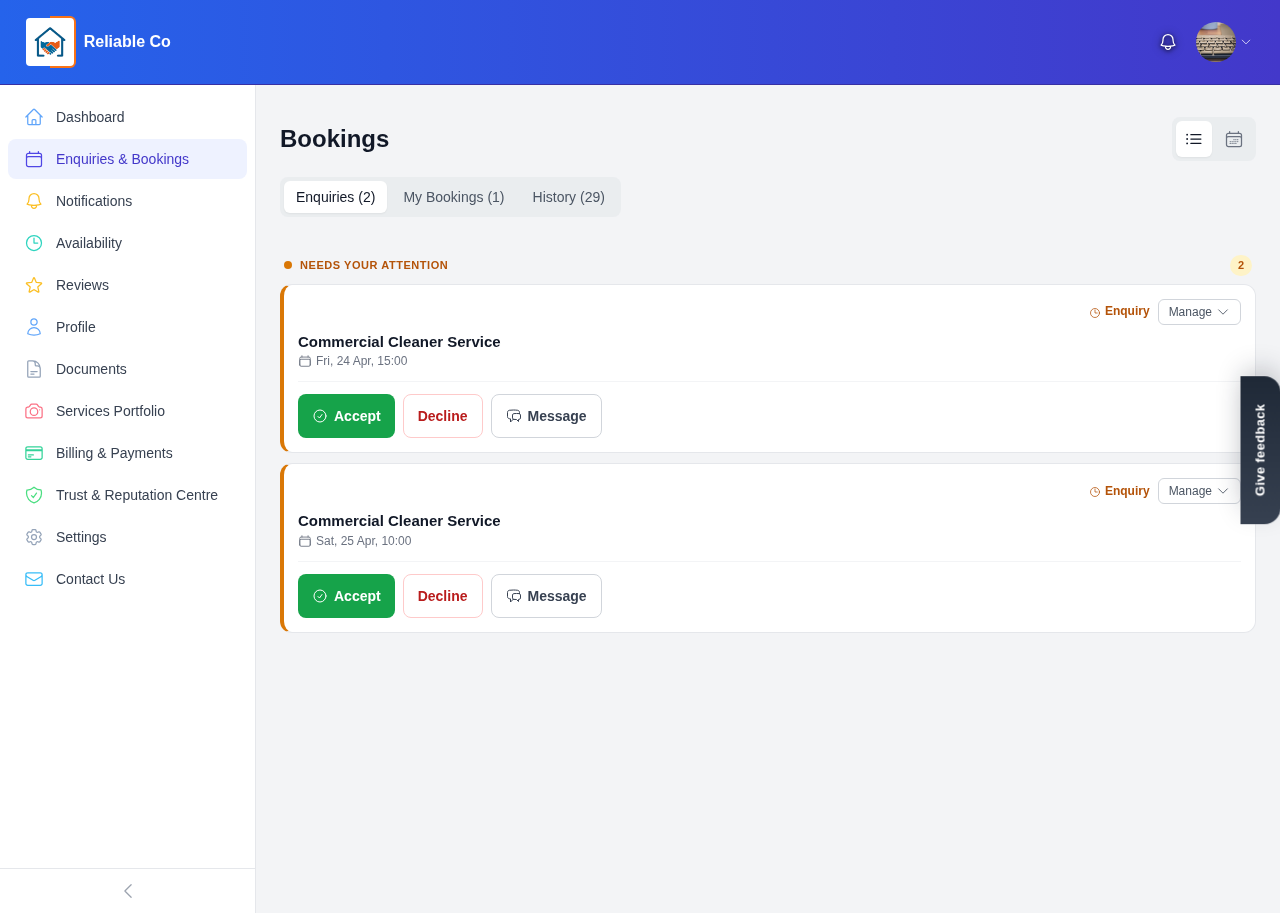
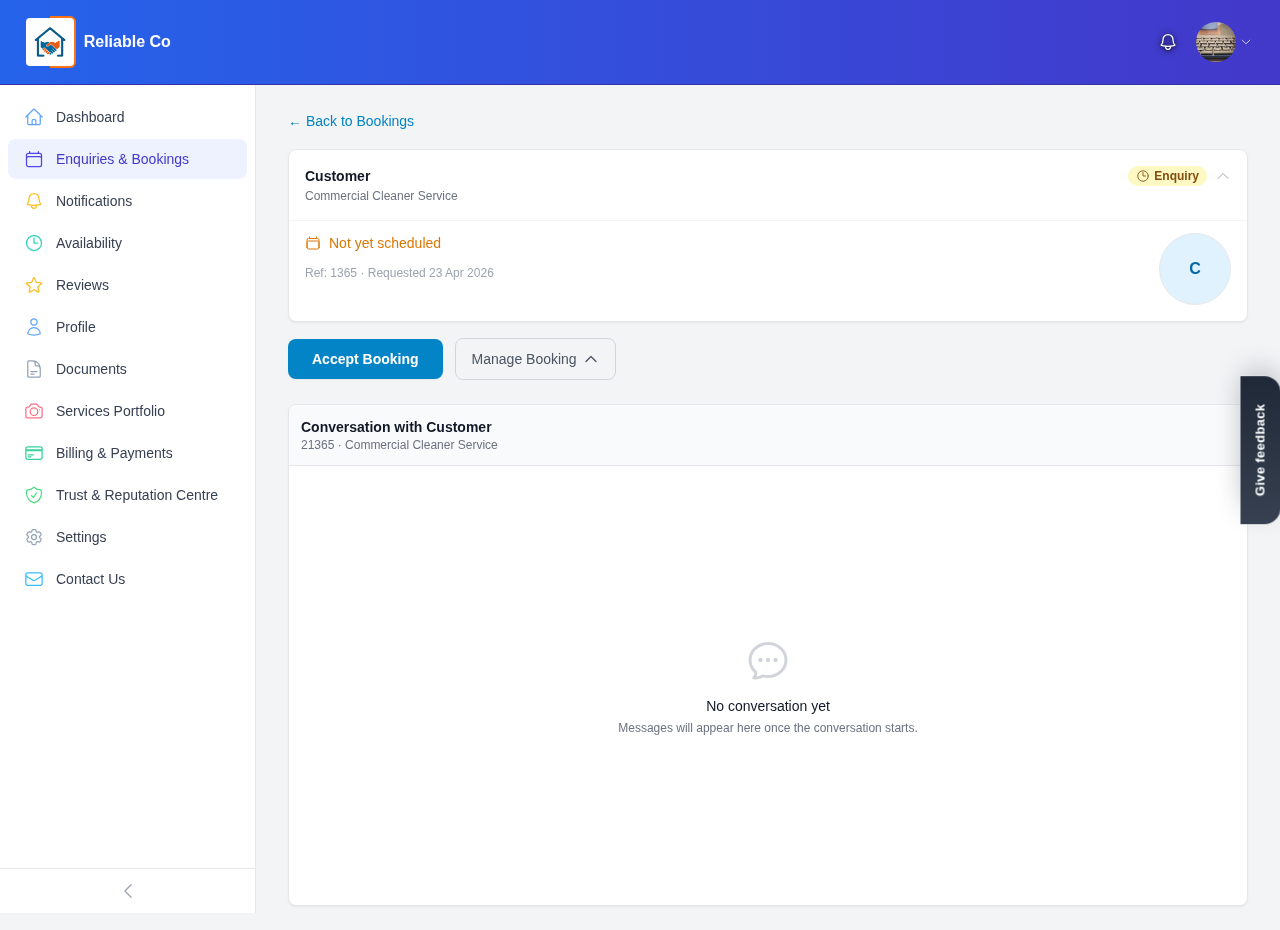
- Accept and confirm the work. If the request suits you and the timing works, you can Accept/Confirm it. The booking then moves into your Confirmed bucket, ready to go.
-
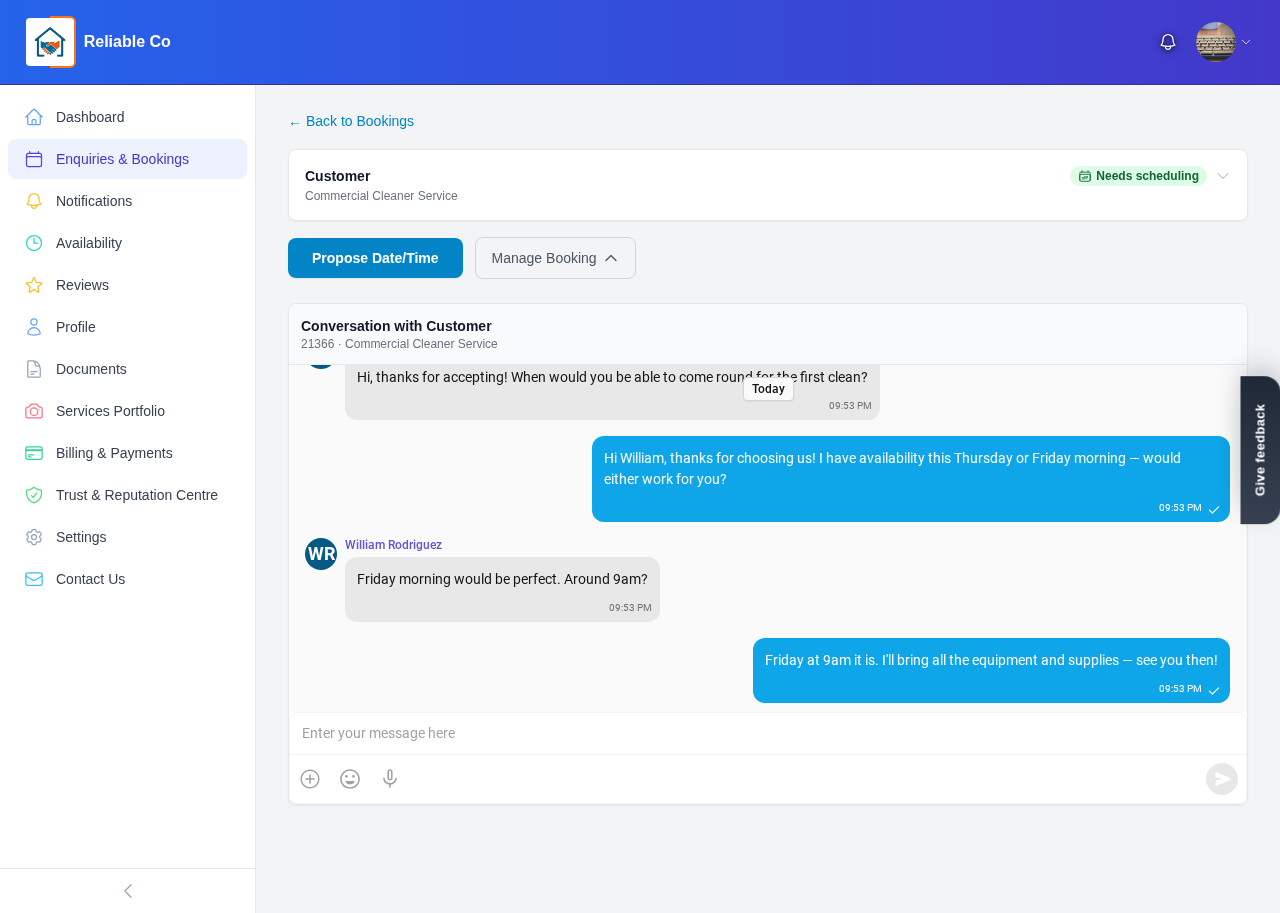
Suggest a different time. If you would like to do the job but the proposed time does not fit your availability, use Suggest a Time to propose an alternative that works for you both.
-
Ask questions first. If you need more detail before committing, choose Ask Questions. This opens a direct message thread with the household so you can clarify exactly what they need before you confirm.
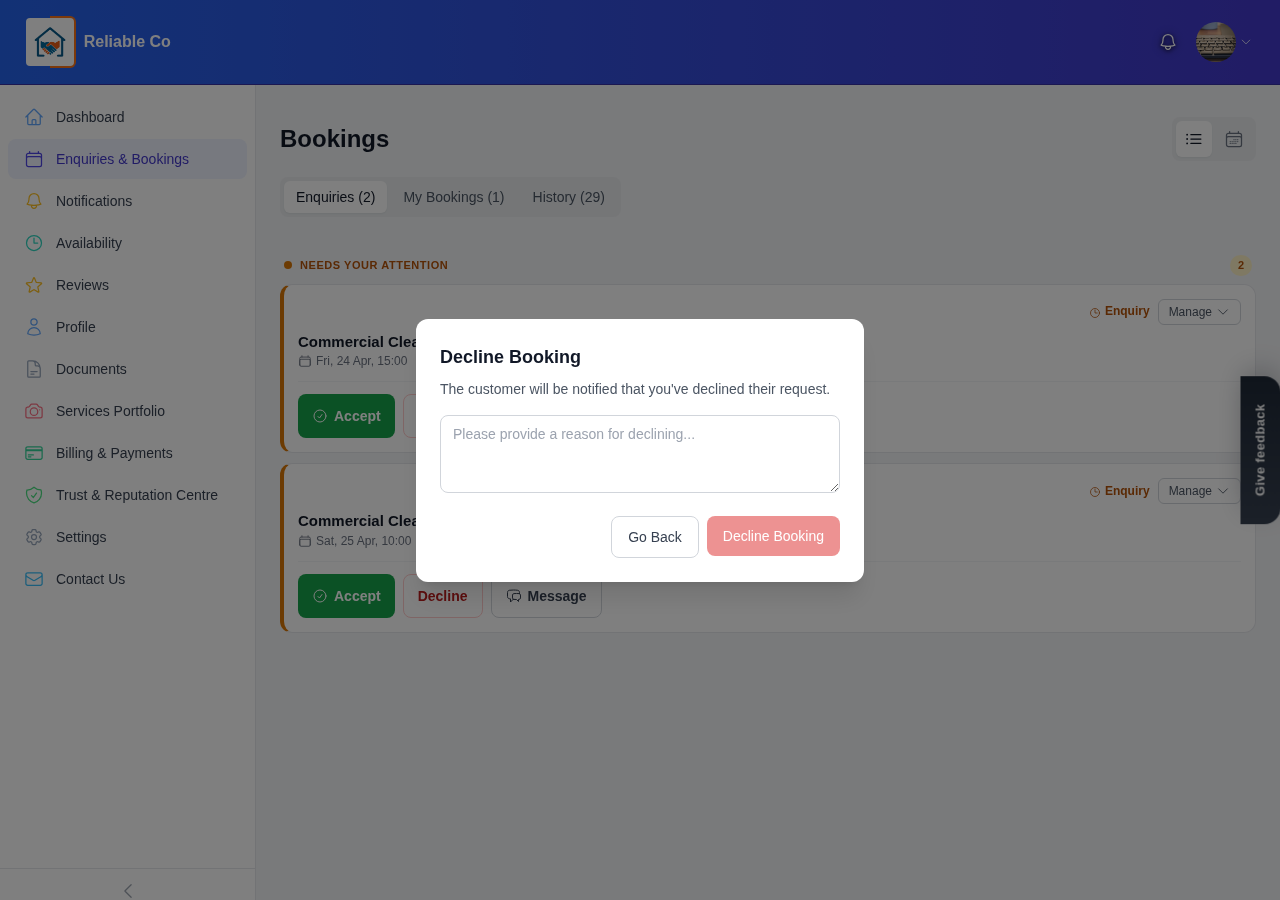
- Decline politely if it is not right. If you cannot take the work, you can Decline with a reason. Giving a clear, courteous reason keeps things professional and helps the household find someone else quickly.
Responding promptly matters. A quick, friendly reply makes a strong first impression and supports your response time, which households can see when they are choosing who to contact.
Communicating during a job
-
Message the household directly. You message the household directly in the app, inside the booking itself. Keeping the conversation in one place means every detail, date and instruction stays together and easy to find.
-
Keep details clear. Confirm the address, the scope of work and any access details in the message thread so there are no surprises on the day. Clear communication is one of the simplest ways to earn a great review later.
Completing and managing work
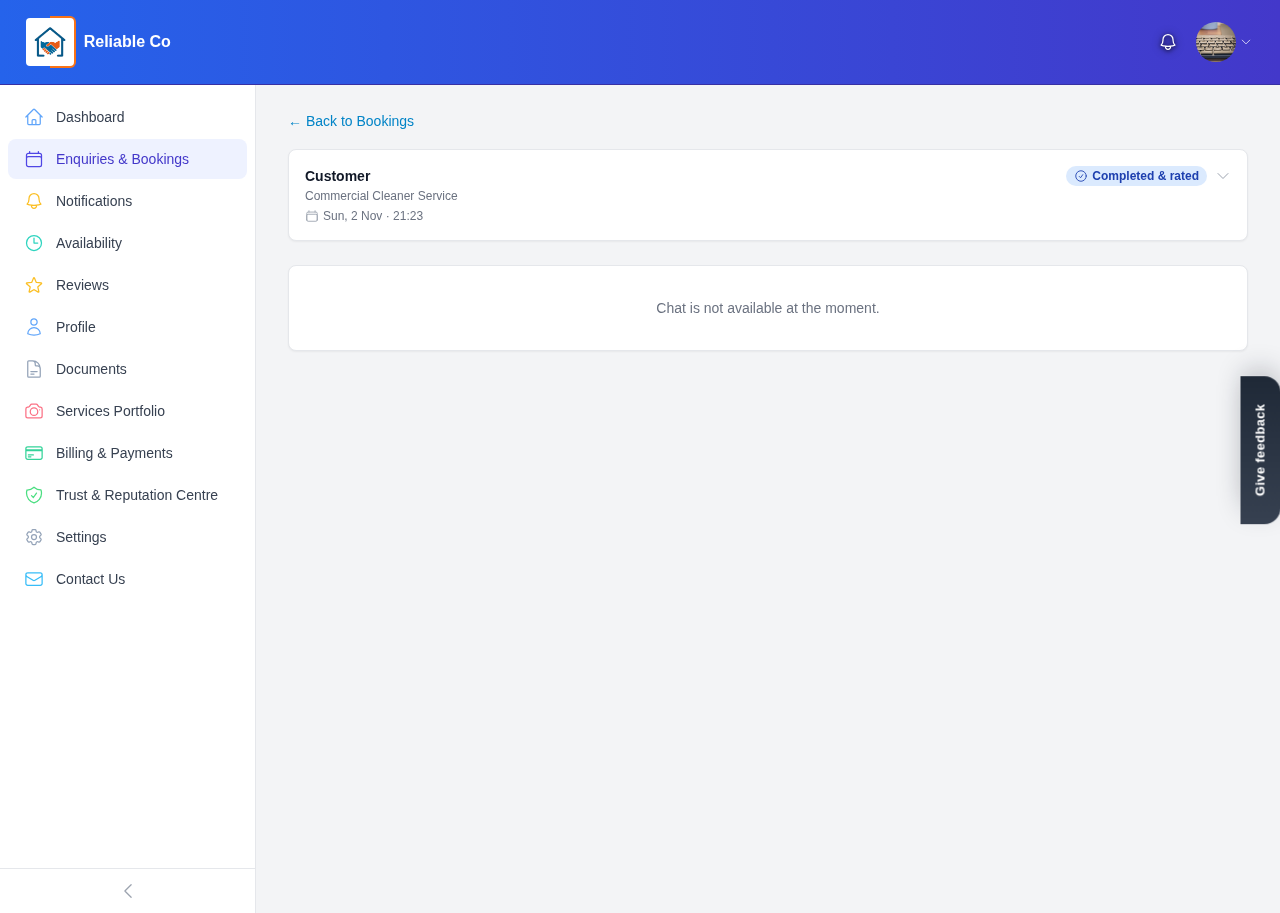
- Mark the job complete. When the work is done, you mark a job complete. This moves the booking into your Completed bucket and, importantly, opens the door for the household to leave you a review of the finished work.
-
Report a problem if needed. If something goes wrong, you can Report a Problem on the booking. This is there for the rare occasions when a job does not go to plan, so you have a clear, recorded way to raise it rather than letting an issue sit unresolved.
-
Keep an eye on cancellations. If a booking ends up under Cancelled, it is simply out of your active workload. Use it as a record of what happened, and move your attention to the jobs that are still live.
A simple rhythm that works
The providers who get the most from DomusVesta tend to follow a steady routine:
- Check your enquiries regularly so new requests do not wait long for a reply.
- Confirm or suggest a time quickly to lock in work and look dependable.
- Use the message thread for everything about a job, so the full history is always in one place.
- Mark jobs complete as soon as they are finished, which keeps your pipeline tidy and prompts the household to review you.
Reliable handling of enquiries and bookings is the engine behind your reputation. Before work can flow in, households need to know when you are open, so it is worth pairing this with our guide on how to set your availability.
Manage your bookings with care and consistency, and you will build a steady stream of happy local households who know they can count on you.
Looking for a trusted local pro?
Find a trusted how it works near you →